
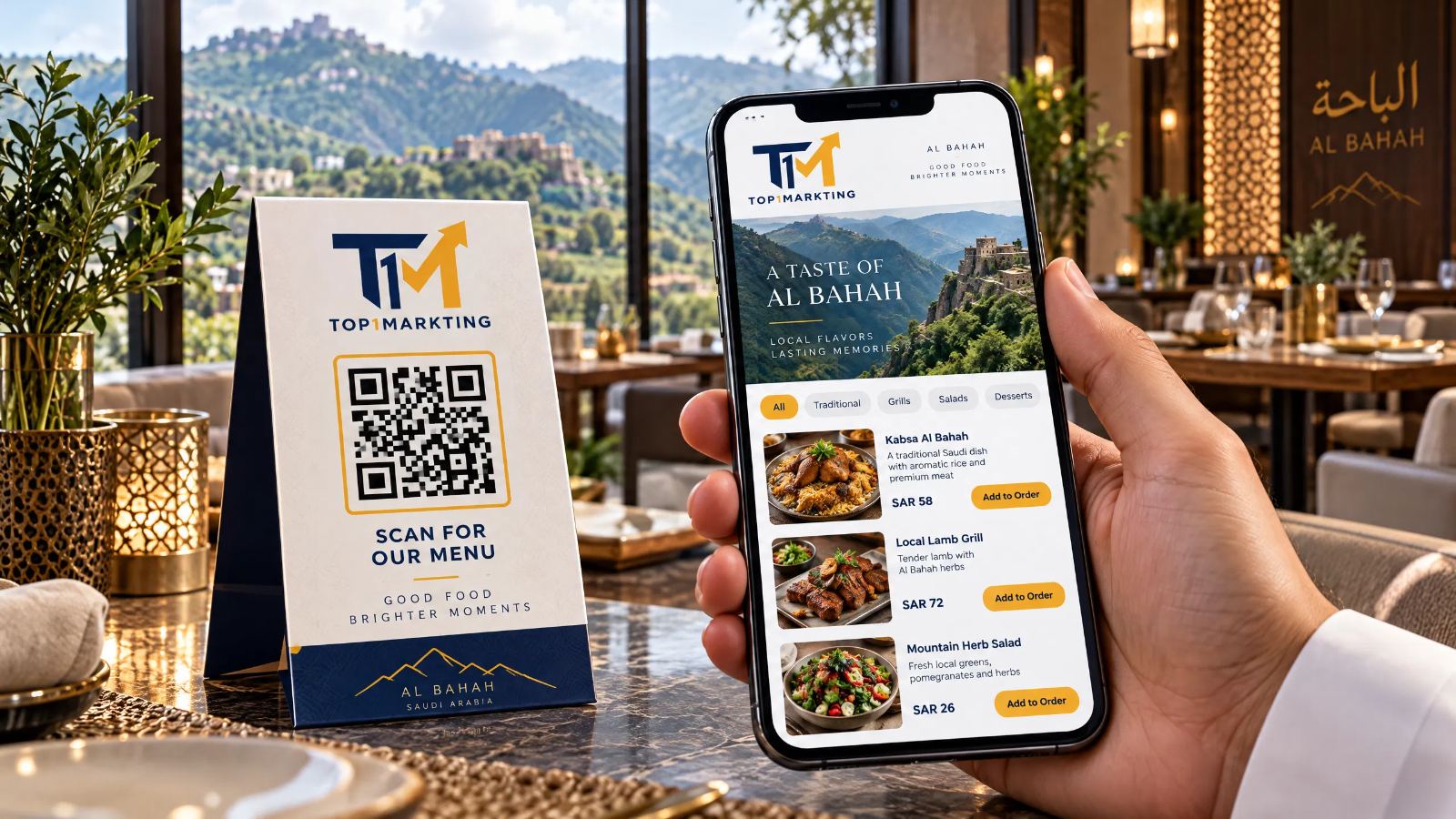
QR Menu Design in Al Bahah for Restaurants and Cafés | Special Discount from Top1Markting
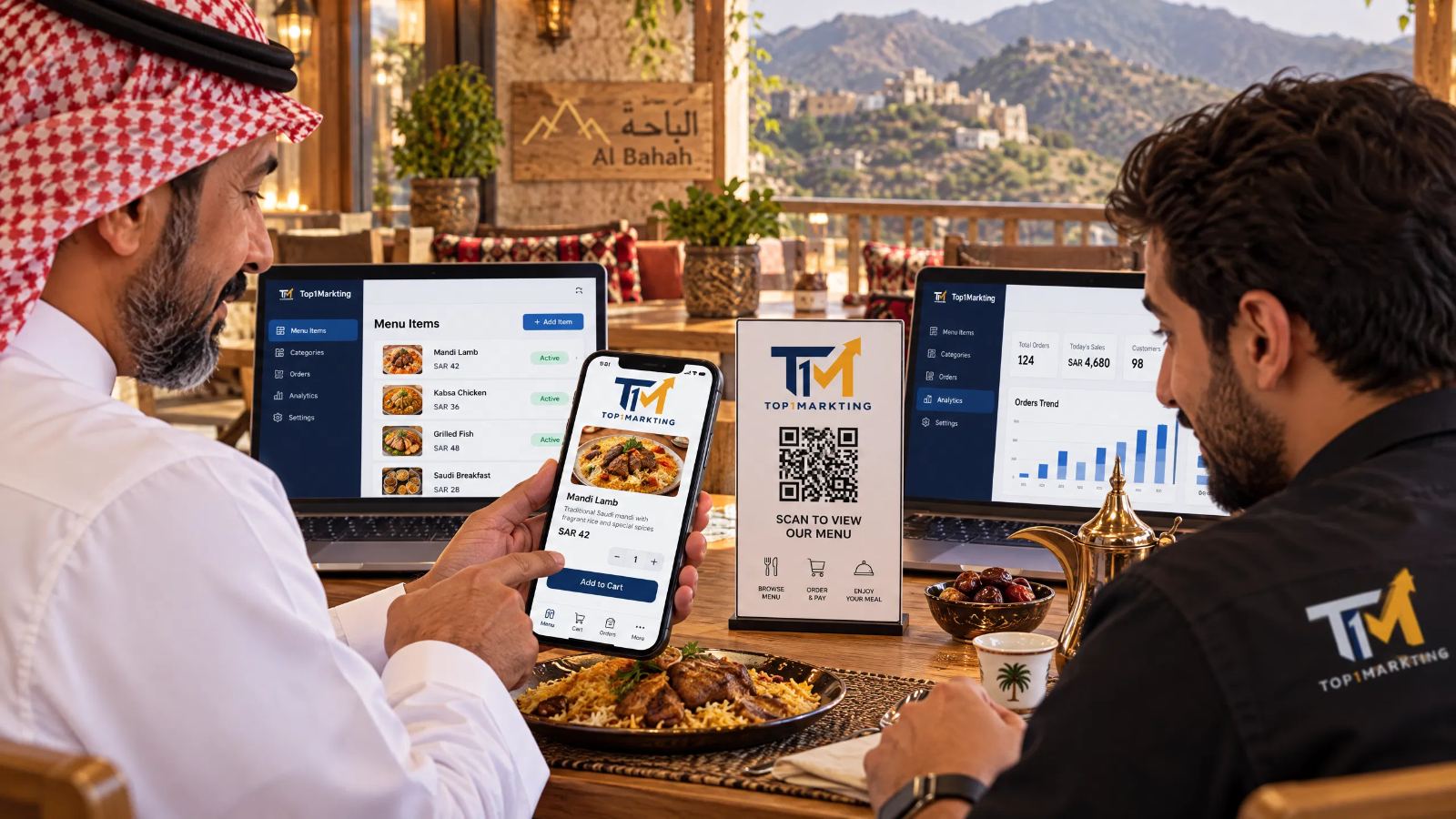
Designing a QR menu in Al Bahah has become a practical option for restaurants and cafés that want to make their food and drink menus easily accessible to customers using their smartphones. Instead of relying exclusively on printed menus, customers can scan a QR code placed on a table or in a visible location inside the restaurant, then browse the digital menu and view items and prices easily, without downloading a dedicated app if the menu is available through a direct link.
However, a successful digital menu involves more than simply creating a QR code. It also depends on how categories and items are organized, how clearly prices and descriptions are displayed, and how easily customers can navigate between meals, drinks, and extras. The design should also be suitable for mobile screens, presenting information clearly so customers can choose what they want without unnecessary complications.
Top1Markting provides QR menu design services for restaurants and cafés, focusing on menu organization and a smooth browsing experience that suits the nature of each business and its customers' needs. Whether you manage a restaurant or café in Al Bahah, you can discuss a digital menu design that displays your items in an organized way and makes updating information easier when needed.
You can now benefit from a special discount on QR menu design services from Top1Markting. Contact us to learn more about the offer and choose the right solution for your restaurant or café.
What Is a QR Menu, and How Do Restaurant Customers in Al Bahah Use It?
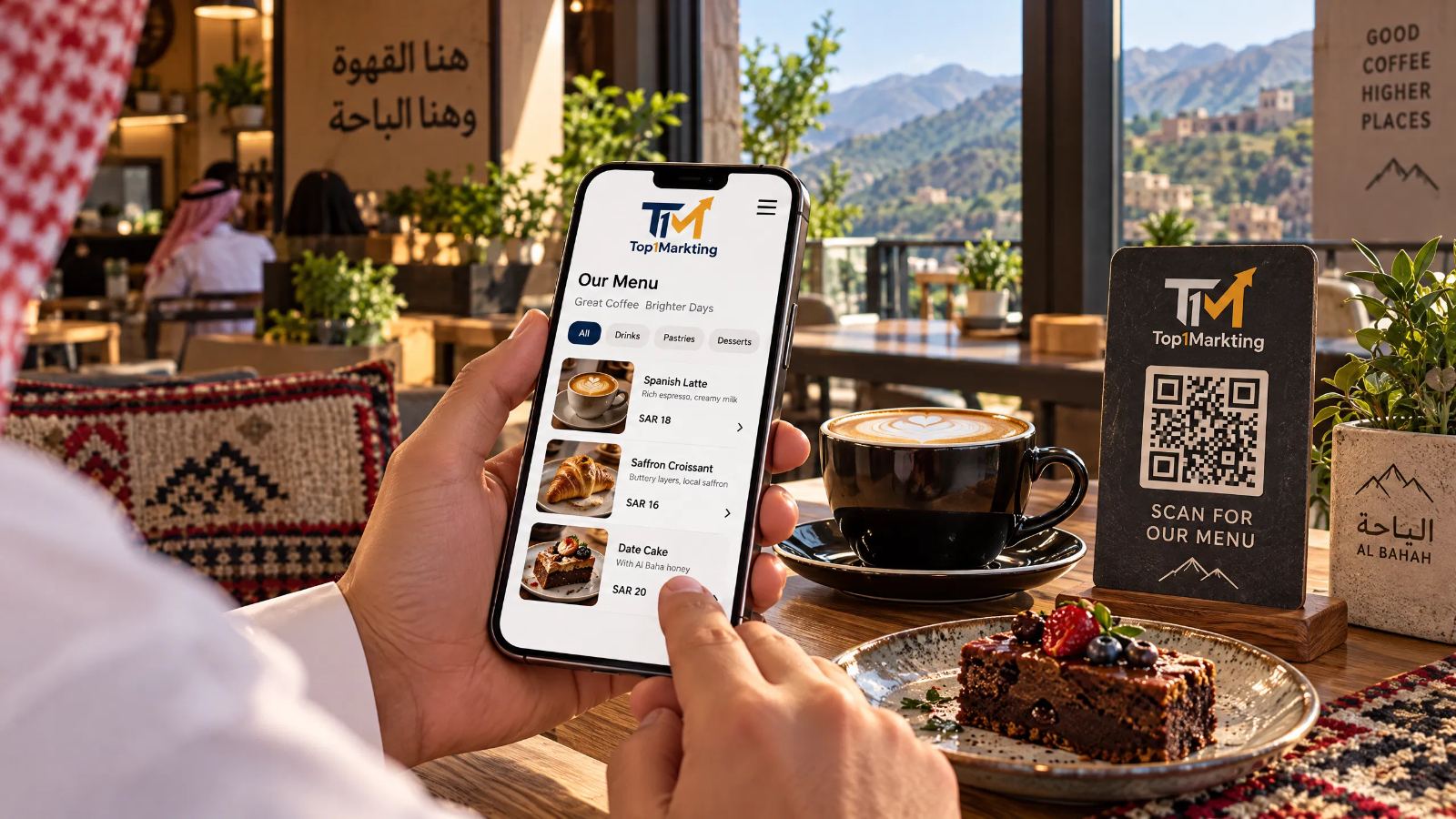
A QR menu is a digital food menu that customers can access by scanning a QR code with their smartphone camera or a QR code reader. When the code directs customers to the menu link, the food list appears on their phone screen, allowing them to browse items, prices, and categories without using a printed menu.
Restaurants and cafés in Al Bahah can use this solution to present menu information in an organized way while choosing an implementation method that suits their business needs.
How Do Customers Open a Food Menu Using a QR Code?
The restaurant places a QR code in a visible location, such as on tables or near the reception area. When a customer points their phone camera at the code, the associated link appears, allowing them to open the menu page in their mobile browser.
Customers can then browse categories and review the available meals, drinks, and prices.
Ease of use depends on the code's clarity, the validity of the link, and the menu page's design. Therefore, the entire process should be tested before the menu is used in the restaurant.
What Is the Difference Between a Digital Menu and a Printed Menu?
A printed menu displays items and prices in a physical copy, while a digital menu presents the list through a smartphone.
The main difference is how customers access the information and how easily it can be updated. A digital menu linked to an editable page allows the restaurant to update prices, add items, or remove products without reprinting the entire menu each time, provided the chosen solution supports these changes.
A printed menu may still be suitable for some businesses or customers who prefer a physical copy. Restaurants can use both formats according to their environment and visitors' needs.
Do Customers Need to Download an App to Open the Menu?
Not necessarily. If the QR code links to a menu page that opens in a mobile browser, customers can access it without downloading a dedicated application.
However, the experience depends on the chosen solution. It is important to ensure that the QR code opens the correct page directly and that the menu displays properly on different smartphone screens.
What Essential Information Should a Digital Menu Include?
A digital menu should ideally include the information customers need to make their decisions, such as:
-
Names of meals and drinks.
-
Clearly displayed item prices.
-
Organized menu categories.
-
Short item descriptions when necessary.
-
Suitable food and drink photos, when available.
-
Extras, sizes, and available options, if offered by the business.
The more accurate and easy to navigate the information is, the easier the menu becomes for customers to use.
Why Should Restaurants and Cafés in Al Bahah Choose QR Menu Design?
A QR menu gives restaurants and cafés a digital way to display their food and drink selections. However, it involves more than converting a printed list into a link. The menu must be organized to make the information customers need easy to find.
The practical benefits depend on how the menu is implemented and how well it supports the business's daily operations.
Make the Food Menu Easier to Browse on Smartphones
A digital menu allows customers to browse the list using their phones instead of relying exclusively on a printed copy.
A mobile-friendly page makes it easier to navigate categories, read prices, and review descriptions, particularly when the menu is long or contains many items.
Organize Items and Prices into Clear Categories
Dividing the menu into specific categories helps customers find the items they want without reading every entry in sequence.
Restaurants can organize main courses, appetizers, salads, desserts, and drinks into separate groups, with each price displayed beside the corresponding item to reduce confusion.
Present Meals, Drinks, and Extras in an Organized Way
Some restaurants need to explain multiple options for a single meal, such as extras, sizes, or side choices.
The menu can organize this information so customers understand what each item includes and what they can order with it, depending on the features supported by the selected design.
Create a Digital Experience That Matches the Business Identity
Menu colors, fonts, and image layouts can be customized to match a restaurant's or café's visual identity.
A restaurant serving family meals may need a different layout from a café specializing in coffee and desserts. In both cases, the menu should remain easy to read and use.
Reduce the Need to Reprint Menus After Changes
When a QR code links to a page whose content can be updated, a business can change prices, add items, or remove unavailable products without reprinting the entire menu.
Before purchasing the service, however, confirm how updates are managed, whether they are included in the service, and who is responsible for making them.
QR Menu Design for Restaurants in Al Bahah Neighborhoods
Digital menus can be prepared for restaurants across different areas of Al Bahah according to the menu, food service style, and business identity.
The right solution should be based on the restaurant's actual needs rather than the neighborhood name alone. A fast-food restaurant may require a different menu structure from a restaurant serving a wide variety of dishes or family meals.
QR Menu Design for Restaurants in Central Al Bahah
Restaurants in central Al Bahah can benefit from a digital menu that clearly displays popular items and divides meals, appetizers, drinks, and desserts into easy-to-access categories.
If the menu includes promotions or meal combinations, it is best to explain what each meal includes and display its price clearly, without mixing it up with individual items.
Digital Restaurant Menus in Al Dhafir
When preparing a restaurant menu in Al Dhafir, the layout can be organized according to the business and the customers it serves.
If the restaurant offers a wide range of items, separating main courses from appetizers and extras can improve navigation. Short descriptions can also clarify ingredients or preparation details for dishes that need further explanation.
Organizing Restaurant Menus in Shahbah
A well-organized menu needs a logical structure that helps customers move from one category to another.
Restaurants in Shahbah can display items by meal type or category, using consistent naming and pricing formats throughout the menu so customers do not have to search repeatedly for the same information.
Digital Menu Design for Restaurants in Raghadan and Nearby Areas
Restaurants in Raghadan and surrounding areas can have digital menus tailored to their services, whether they offer main courses, light meals, or a varied selection.
The menu should work smoothly on smartphones, use clear categories, and display prices that match the restaurant's approved list.
How Can Restaurants Choose the Right Menu Format for Each Neighborhood?
The right format depends not only on location but also on the number and type of items and how orders are handled.
Before choosing a design, restaurant owners should consider the following questions:
-
Is the menu short or extensive?
-
Are there multiple extras and sizes?
-
Do customers need photos to understand the items?
-
Should the menu only display items, or should it connect to other services?
These answers help businesses choose a practical solution instead of adding unnecessary features.
QR Menu Design for Cafés in Al Bahah
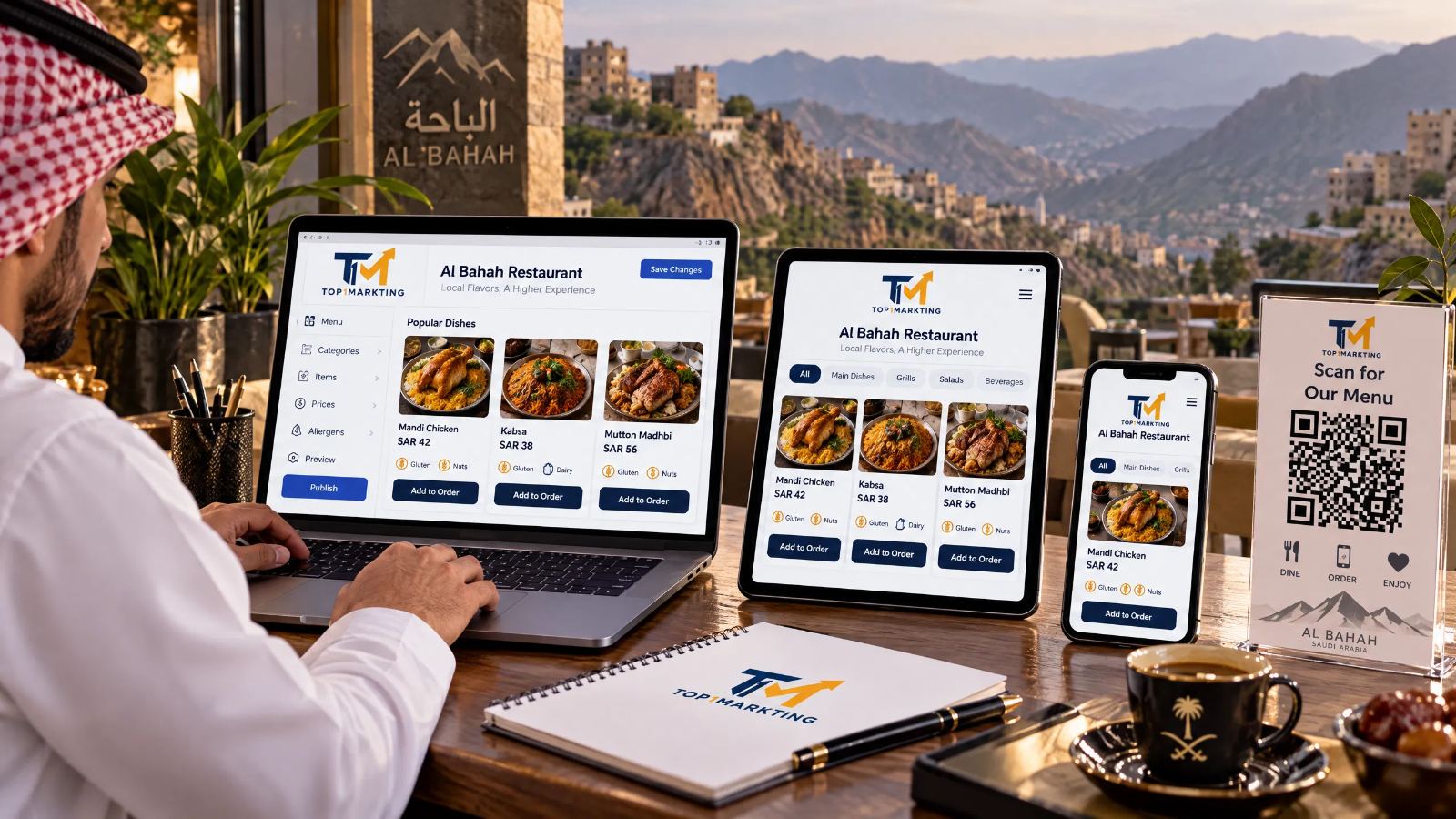
Café menus differ from restaurant menus in the types of items and options customers need to compare.
A café menu may include hot and cold drinks, multiple sizes, milk alternatives, flavors, extras, and desserts. QR menu design for cafés in Al Bahah should therefore organize these choices without creating a cluttered appearance.
Coffee and Hot Drinks Menu
A dedicated section can display coffee varieties, tea, and other hot drinks offered by the café.
It is advisable to use a consistent format for drink names and prices, while specifying the size or preparation method whenever it affects the customer's choice or the price.
Organizing Cold Drinks and Desserts
Cold drinks should ideally be separated from hot drinks, with desserts placed in their own section if they are part of the menu.
This organization makes browsing easier, especially when the café offers seasonal beverages, different flavors, baked goods, or a variety of desserts.
Displaying Sizes, Extras, and Available Options
If a drink comes in multiple sizes, each size and its associated price should be clearly displayed.
Available extras, such as flavors or other options offered by the café, can also be listed with their additional costs when applicable.
The goal is to help customers understand their choices before placing an order, without missing or conflicting information.
QR Menu Design for Cafés in Al Hawiyah
A QR menu for cafés in Al Hawiyah can be designed according to the café's range of drinks and desserts.
If the café specializes in coffee, it may be useful to create clear sections for coffee varieties and preparation methods. If the menu is more diverse, items can be organized by drink type, temperature, and available sizes.
Digital Menus for Residential and Commercial Areas in Al Bahah
Cafés have different needs depending on their business model, opening hours, and service methods.
A digital menu can be organized around the café's actual offerings, prioritizing core items and making prices and available options easy to find.
There is no need to use the same design for every café. The important thing is for the menu to reflect the business's offerings and provide an easy browsing experience.
What Are the Features of a Professional QR Menu for Restaurants and Cafés?
A digital menu's success is not measured by appearance alone. It also depends on how clearly information is presented and how easily customers can use it on their phones.
Before approving the menu, business owners should review its content, design, and presentation to ensure that it suits customers and everyday restaurant or café operations.
Divide Items into Clear Categories
Items should be divided into logical categories, such as main courses, appetizers, drinks, and desserts.
For cafés, hot drinks can be separated from cold drinks, with extras and sizes organized in clearly marked sections.
This structure helps customers find the items they want more quickly.
Use Clear Names for Meals and Drinks
Item names should be clear and familiar to customers. A short description can be added when the name alone does not explain the item's ingredients or nature.
Avoid unnecessarily long descriptions that make the menu difficult to read, while retaining the information customers need to make informed choices.
Display Prices and Extras Without Confusion
Each price should be associated with the correct item, and price differences between sizes or options should be clearly displayed.
If extras incur additional charges, these should be stated. Prices should also be reviewed before publication to prevent discrepancies between the digital menu and the restaurant's approved prices.
Use Suitable Images When Available
Good photos can help customers understand what a meal or drink looks like, but every item does not necessarily need an image.
When photos are used, they should be clear and relevant to the menu. Avoid excessive images or oversized files that could slow page loading on smartphones.
Choose Readable Fonts and Colors
Font sizes should be suitable for smartphone screens, and text should remain clear against its background.
The restaurant's or café's brand colors can be used as long as there is sufficient contrast between text and background. Decorative elements should not interfere with reading item names and prices.
Ensure the Design Works on Smartphones
Customers often open QR menus on their phones, so the design must adapt to different screen sizes.
This includes easy navigation between categories, readable text, and minimal need to zoom in to view details. The menu should be tested on more than one phone before launch.
Consider the Required Language or Languages
If the business needs a menu in more than one language, this should be established at the beginning of the project.
Organizing language versions properly helps maintain consistent information. Item names, descriptions, and prices should be reviewed in every version to avoid discrepancies.
How Can You Choose the Right QR Menu for Your Business in Al Bahah?
Before ordering a QR menu, it is useful to identify the restaurant's or café's requirements and the features it needs.
This helps you choose a suitable solution without paying for unnecessary functions. It also clarifies what the project includes and which features may require additional services.
Determine the Number of Items and Categories
Start by preparing a complete list of items and prices, then determine which categories are needed.
A short menu may suit a simple, direct design, while an extensive menu requires clear categorization to make navigation easier.
It is also useful to identify items that change frequently or require additional options.
Identify the Needs of Your Restaurant or Café
Requirements vary by business type.
A restaurant may need sections for meals, appetizers, and extras, while a café may need to display sizes, flavors, and hot and cold drinks.
The menu structure should reflect how items are actually offered rather than relying on a generic template that does not match the business.
Choose a Design That Matches Your Visual Identity
Colors, fonts, and presentation styles can be selected to match the brand, provided that the visual identity does not reduce content readability.
Ease of reading and quick access to information should come first, with visual styling supporting the overall user experience.
Decide How Prices and Items Will Be Updated
Ask how the menu can be updated after launch.
Will you send changes to the service provider, or will the business receive a way to manage content independently? Are future updates included in the service?
Clarifying these points in advance helps prevent confusion when prices change or new items are introduced.
Decide Whether You Need an Arabic or Multilingual Menu
If the business serves customers who require different languages, determine the required languages before design begins.
Make sure switching between languages is straightforward, translations are accurate, and prices and items remain consistent across all versions.
Agree on the Features Included in the Project
Before signing an agreement, clarify whether the service includes only menu page design, QR code creation, images and descriptions, or a way to update content.
If you need online ordering, an admin dashboard, or integrations with other services, these features should be agreed upon separately and clearly as part of the project scope.
Standalone QR Menu or a Menu Connected to a Website or Ordering System?
Not every restaurant or café needs the same solution.
A simple page displaying items and prices may be sufficient for some businesses. Others may need a website that introduces the business, its branches, and contact information, or a system that supports order processing and data management.
The right choice depends on the business's goals, operating methods, and actual requirements.
When Is a Food Menu Page Enough?
A standalone menu page may be sufficient when the primary goal is to let customers view items and prices on their phones.
This option suits businesses that do not need additional features, such as online ordering or customer account management.
However, the page should be easy to navigate, the QR code should work correctly, and the method for updating content should be clear.
When Does a Restaurant Need a Website?
A restaurant may need a website when it wants to bring its business information together in one place, including its introduction, food menu, contact details, branch information, or available services.
In this case, the menu can be part of the website instead of relying solely on a separate page.
If you are looking for a provider to help create a complete website for your business, you can explore Best Website Design Company in Al Bahah to learn about options for creating a website that combines restaurant information, the menu, and contact details in one experience.
The final decision depends on the business and the features it needs.
When Is Adding Online Ordering Appropriate?
Online ordering is worth considering when a restaurant wants to receive orders through the internet instead of merely displaying its menu.
However, having a QR menu does not automatically mean that customers can place orders or pay through it. These features require additional setup based on the selected system, including defining how orders are received, monitored, and processed.
When Does a Business Need an Admin Dashboard to Manage Its Menu?
An admin dashboard may be suitable when items and prices change frequently or when employees need to manage the content themselves.
Some solutions allow users to add items and change prices, but these features are not automatically available in every digital menu.
Confirm whether an admin dashboard is included in the service, define user permissions, and ask about training or support if needed.
What Features Should You Confirm Before Making an Agreement?
Before approving a solution, review the following questions:
-
Does the project include menu page design and QR code setup?
-
Will the menu work on smartphones without requiring an app, if that is what you need?
-
Can prices and items be updated after launch?
-
Are images, descriptions, and the required languages included?
-
Does the solution include online ordering or an admin dashboard if needed?
-
Who is responsible for hosting, maintenance, and updates, if applicable?
-
What are the service limitations and possible additional costs?
These questions help you compare solutions based on their actual features rather than their names or visual appearance alone.
Steps for Designing a QR Menu for Restaurants and Cafés in Al Bahah
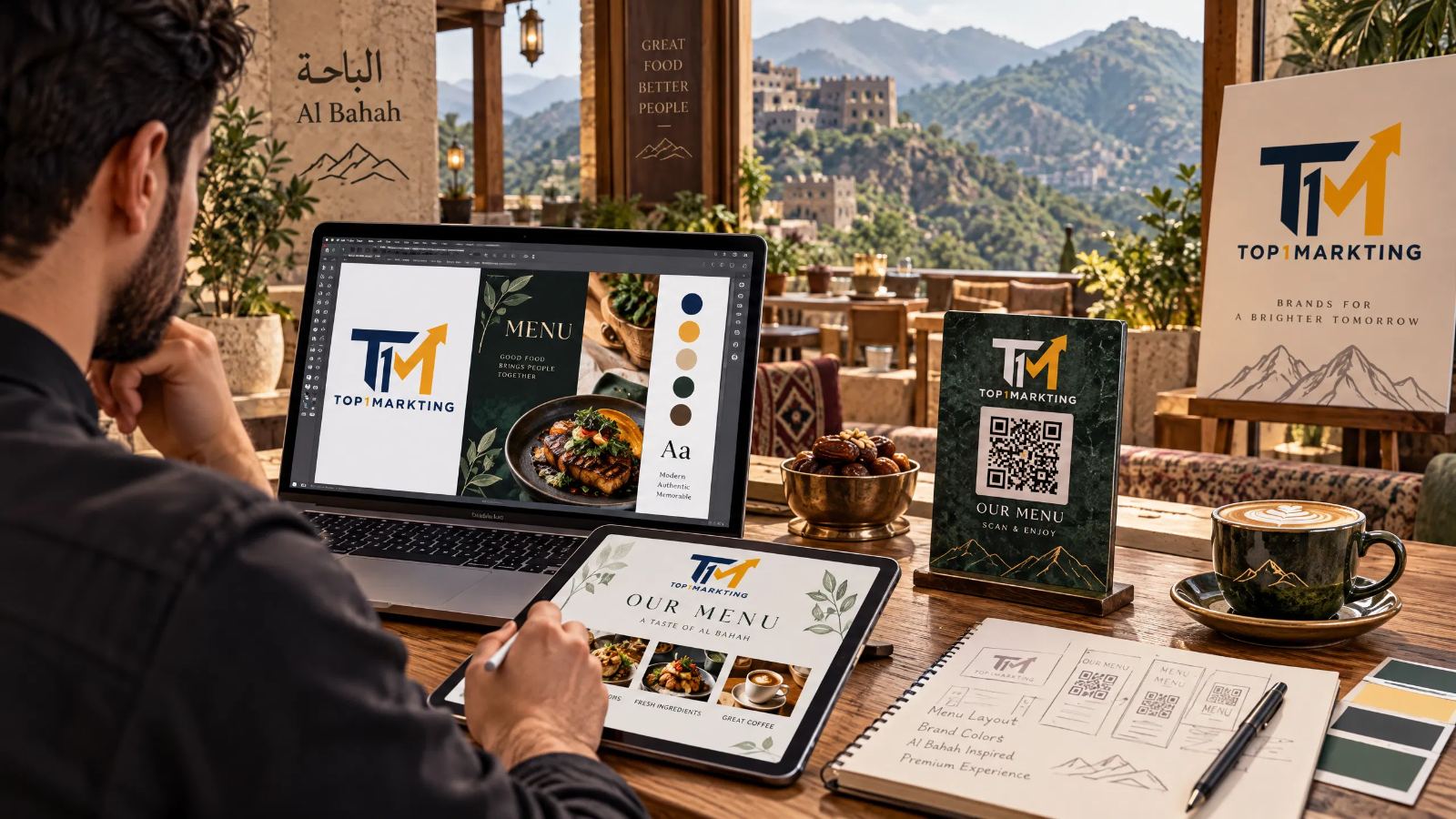
Implementation details vary depending on menu size and required features, but the process generally involves several steps that help create a clear, usable digital menu.
Collect Items, Prices, and Information
The process begins by collecting the approved menu, including item names, prices, descriptions, extras, and sizes, along with photos if they are available and suitable for use.
All information should be current and approved before it is added to the design.
Organize the Menu Content
After collecting the information, items are arranged into categories appropriate for the business.
Organizing the content at this stage helps prevent duplicate items or incorrect categorization and establishes the order in which customers will see the menu.
Choose the Design and Colors
The design is selected according to the restaurant's or café's identity and menu type.
This stage includes choosing fonts, colors, image layouts, and category presentation, with an emphasis on readability on smartphone screens.
Prepare the Menu Page
The menu page is created with the agreed categories, items, prices, and information.
The page's appearance and functionality depend on the project scope. It may be a simple display page, part of a website, or a solution that includes additional features.
Link the QR Code to the Page
Once the page is ready, a QR code is created and linked to the correct URL.
It is important to verify that the code directs customers to the intended page and that the link will remain usable according to the agreed hosting and menu management arrangements.
Test the Menu on Smartphones
The page should be opened on different phones to check text readability, price visibility, and navigation between categories.
The QR code itself should also be tested to ensure that it scans easily and does not contain an incorrect link.
Review the Menu Before Use
Before placing the code inside the restaurant, review item names, prices, descriptions, images, and links.
A final review helps identify mistakes before customers start using the menu.
Testing the QR Code Before Placing It on Restaurant Tables
Testing the menu before launch is important to ensure that customers can access it easily and that the displayed information is correct.
It is not enough to confirm that the code looks clear. You should also test the scanning process, open the page, and review its contents.
Make Sure the Correct Link Opens
Scan the code with a smartphone and confirm that it opens the intended menu page rather than another page or an outdated link.
If multiple menu versions exist, verify that the code is linked to the correct version.
Test the Code on More Than One Phone
QR code scanning can vary depending on the phone, camera, and lighting conditions.
It is therefore advisable to test the code on multiple devices and ensure that customers can access the link without unnecessary steps.
Check Text and Price Readability
Review the page on a smartphone screen and confirm that item names and prices are readable, categories are organized, and customers do not need to zoom in constantly.
If prices vary by size or extra, make sure these differences are clearly displayed.
Review Images and Links
If the menu contains images or additional links, ensure that images load correctly and links work as expected.
It is also worth checking that images do not slow down page loading enough to affect the user experience.
Test the Code After Printing a Sample
A code may look clear on a screen but become too small or blurry when printed.
Print a sample at the proposed size and scan it from the distance customers are likely to use inside the restaurant. This helps confirm that the code size and print quality are suitable.
Confirm That Updates Appear After Changes
If an item or price changes after the menu is prepared, test how the update appears on the page.
Ensure that changes reach the version customers use, according to the update process established for the selected solution.
Where Should You Place a QR Code Inside a Restaurant or Café?
The best location for a QR code depends on the venue's layout, customer reception process, and service method.
The goal is to place it somewhere visible and easy to scan without obstructing movement or inconveniencing customers, while ensuring that the code links to the correct menu.
Place the Code on Tables
A QR code can be placed on tables when customers need to access the menu while seated.
It should be clearly printed and positioned where it is unlikely to be damaged or covered by other items on the table.
Make It Available at the Entrance or Reception Area
A code at the entrance or reception area can help customers view the menu before sitting down or while waiting.
It should be placed in a visible location that does not obstruct people entering or leaving the venue.
Print It on Suitable Promotional Materials
The code can be printed on materials used by the business, such as table displays, small cards, or other suitable printed materials.
Keep the code clear and avoid overcrowding the design with text or graphics that may interfere with scanning.
Use It in Waiting Areas When Needed
Placing the code in a waiting area may suit businesses whose customers want to review the menu in advance.
However, the choice depends on the operating method and available space, and it is not necessary for every restaurant or café.
Ensure the Code Is Clear and Easy to Scan
Regardless of its location, the code should be appropriately sized, clearly printed, and surrounded by enough space to scan easily.
Testing it under the venue's actual lighting conditions is helpful before finalizing its placement.
Updating Prices and Items in a QR Menu
Restaurant and café menus change over time. New items may be introduced, prices may change, or certain products may become temporarily unavailable.
The update process should therefore be determined before agreeing to the service, ensuring that the information customers see reflects the business's approved menu.
Agree on a Price Update Process
Determine who will be responsible for changing prices after launch and what steps are required.
Updates may be handled by the service provider or through an admin dashboard if the selected solution includes one.
It is best to document the process before the menu goes live.
Review Items Before Publishing Changes
Before publishing an update, review item names, prices, descriptions, and associated extras.
If multiple language versions are available, check each version to ensure that the information matches.
You should also remove unavailable items or clearly indicate their status according to the menu's display method.
Understand the Difference Between Updating a Page and Changing a QR Code
If a QR code links to a fixed URL for a menu page, the page content can generally be updated without changing the code itself.
However, if the URL or the way customers access the page changes, a new code may need to be generated or the existing code reconfigured.
Confirm how the selected solution works before printing the code.
Avoid Displaying Outdated Prices or Items
An outdated menu can create discrepancies between digital information and the restaurant's approved prices.
To reduce this risk, assign someone to review the menu and establish a clear procedure for checking items and prices whenever changes occur.
Check Whether Self-Service Updates Are Included
Not all QR menu services provide an admin dashboard or allow independent content updates.
Ask whether self-service editing is available, which features it includes, and whether later changes incur additional costs.
This helps business owners choose a solution that suits how they manage their menus.
How Can a Digital Menu Support a Website and a Restaurant's Visibility on Google?
A digital menu can be part of a restaurant's or café's online presence, but it does not replace all website functions, and having a QR menu alone does not guarantee that the business will appear in search results.
Its usefulness depends on how the page is published, how business information is organized, and whether additional services, such as search engine optimization, are needed.
The Difference Between a Menu Page and a Website
A menu page is primarily designed to display food or drink selections, while a website can provide broader information about the business, such as an introduction, services, branches, contact details, and the menu itself.
A website may also include additional features depending on the project's requirements.
If the main goal is simply to provide access to the menu, a standalone page may be sufficient. If the business needs a more comprehensive online presence, it can consider a website that brings essential information together in one place while keeping the menu easy to access.
Organizing Restaurant Information Online
It is useful to review the essential information published about the business and ensure that it is accurate, including the restaurant's name, contact details, addresses, and opening hours when displayed.
Information on the website and menu should match the business's approved details to avoid confusing customers with inconsistent information.
When Does a Menu Page Need Search Engine Optimization?
The need for search engine optimization depends on the page's purpose, content, and publication method.
If the primary goal is simply to let visitors open the menu through a QR code, usability and easy access may be the main priorities.
However, if the business wants customers to discover the menu through search, it should assess whether the page can be indexed and whether its content and headings are organized appropriately for that goal.
SEO does not guarantee a specific position in Google's search results. Visibility depends on several factors, including page quality, accessibility, competition, and the relevance of the content to the user's search.
The Difference Between Menu Design and SEO Services
QR menu design focuses on creating a digital menu that customers can open and browse easily.
SEO services aim to improve a website's ability to appear in search results through technical improvements, content development, and appropriate page organization.
A business may need either service or both, depending on its goals and online presence.
You can explore SEO Company in Al Bahah to learn about options for improving a restaurant's or café's website visibility on Google. SEO remains a service separate from menu design unless both are included in a broader project agreement.
When Does a Business Need an Organic Search Optimization Plan?
An SEO plan may be appropriate when a business has a website and wants to improve its chances of reaching customers through search, or when it needs to organize service pages and content around relevant search terms.
The best approach is to establish goals first and evaluate the website and its content before choosing suitable optimization measures, rather than assuming that a QR menu alone is enough to achieve this objective.
QR Menu Design in Al Bahah with Top1Markting
If you manage a restaurant or café in Al Bahah and want to display your food menu digitally, you can explore a QR menu design that suits your number of items, service style, and business identity.
The first step is to identify the menu content, required categories, price update process, and whether you need a standalone menu page or a menu connected to a website or another system.
Top1Markting provides website design and digital solutions. You can contact the team to discuss your QR menu requirements and determine the appropriate project scope.
You can also ask about the special discount on QR menu design and confirm the offer's details before making an agreement, without assuming that all additional features are automatically included in the service.
Website: https://www.top1markting.com
Contact number in Saudi Arabia: +966549881368
Contact Top1Markting to identify your restaurant's or café's needs in Al Bahah and review QR menu design options, including how the menu will be used and updated to suit your business.
QR Menu Design in Al Bahah for Restaurants and Cafés with a Special Discount
Would you like to display your food or drink menu in an easy-to-use digital format?
Contact Top1Markting to discuss a QR menu design tailored to your restaurant or café in Al Bahah, with items and prices organized according to your business requirements.
Ask about the special discount and identify the features you need before implementation.
Website: https://www.top1markting.com